July 4, 2026
JPG vs PNG: Which Image Format Is Better? Complete Comparison | SizeHex
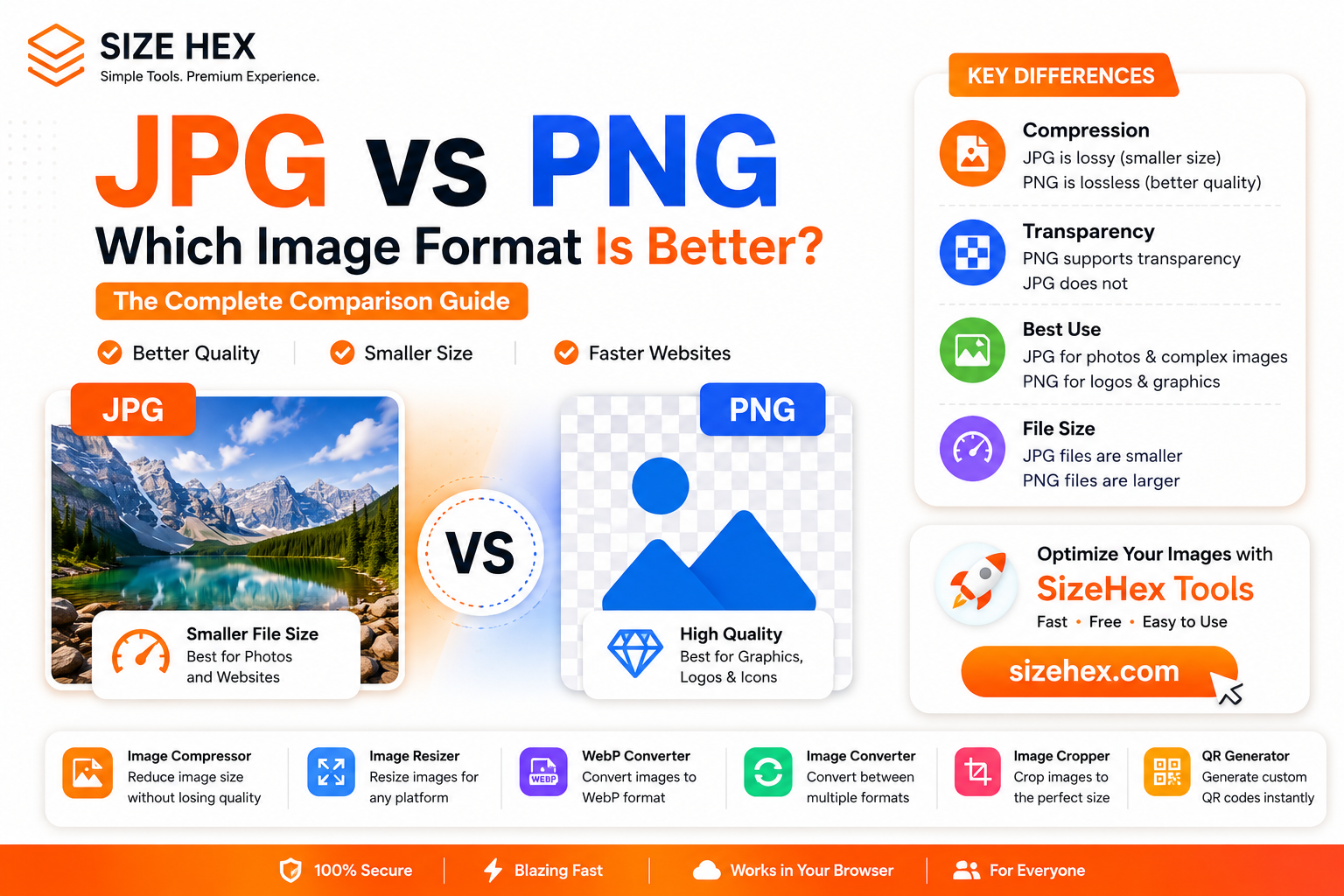
JPG vs PNG: Which Image Format Is Better? The Complete Comparison
If you've ever downloaded an image, uploaded a photo to your website, or edited graphics for social media, you've probably come across two popular image formats: JPG and PNG.
Both formats are widely used, but they serve different purposes. Choosing the wrong one can lead to larger file sizes, slower website loading, or reduced image quality.
So, which format should you use?
Is JPG better than PNG?
Should you use PNG for every image?
Does your choice affect website performance and SEO?
In this guide, we'll compare JPG and PNG in detail, explain their strengths and weaknesses, and help you decide which format is best for your specific needs.
What Is JPG?
JPG (also known as JPEG) is one of the most commonly used image formats worldwide.
It uses lossy compression, meaning it removes some image data to significantly reduce file size while maintaining good visual quality.
Because JPG files are smaller, they're ideal for sharing, storing, and uploading images online.
JPG is commonly used for:
- Digital photographs
- Blog featured images
- Website banners
- Product photos
- Social media images
- Travel and landscape photography
Its biggest advantage is the excellent balance between image quality and file size.
What Is PNG?
PNG stands for Portable Network Graphics.
Unlike JPG, PNG uses lossless compression, which means it preserves all image data without reducing quality.
PNG also supports transparent backgrounds, making it the preferred format for graphics and design elements.
PNG works best for:
- Company logos
- Icons
- Website graphics
- Screenshots
- Illustrations
- Transparent images
Although PNG offers better quality, the files are usually much larger than JPG.
JPG vs PNG: What's the Difference?
The biggest difference between JPG and PNG lies in how they compress image data.
JPG reduces file size by removing some image information that's less noticeable to the human eye.
PNG keeps every pixel intact, resulting in higher quality but larger files.
This means:
- JPG is optimized for smaller file sizes.
- PNG is optimized for maximum image quality.
Choosing the right format depends on how you plan to use the image.
When Should You Use JPG?
JPG is the best option when file size is important.
If you're uploading images to a blog, website, online store, or social media platform, JPG usually provides the perfect balance between quality and performance.
Use JPG for:
- Photography
- Website banners
- Blog images
- Product photos
- Travel photos
- Lifestyle images
Before publishing JPG images online, reduce their file size using the Image Compressor.
Smaller JPG files improve page speed without noticeable quality loss.
When Should You Use PNG?
PNG is ideal when image quality and transparency are your top priorities.
If your image contains logos, illustrations, icons, or text, PNG keeps edges sharp and clear.
Use PNG for:
- Brand logos
- Transparent graphics
- UI elements
- Website icons
- Infographics
- Design mockups
If your PNG file becomes too large, consider converting it into WebP for better optimization.
You can easily do that using the WebP Converter.
https://www.sizehex.com/webp-converter.html
JPG vs PNG for Websites
Website speed plays a major role in user experience.
Large image files increase page loading time, especially on mobile devices.
For photographs, JPG is generally the better option because it keeps file sizes much smaller.
For logos and graphics requiring transparency, PNG is the better choice.
If maximum performance is your goal, consider converting both formats into WebP after optimization.
Which Format Is Better for SEO?
Google doesn't rank websites higher simply because they use JPG or PNG.
However, image optimization contributes to better website performance.
Optimized images can help with:
- Faster loading speed
- Better user experience
- Lower bounce rates
- Reduced bandwidth usage
- Improved Core Web Vitals
Regardless of the format you choose, always optimize images before uploading them.
Can You Convert JPG to PNG?
Yes.
If you need transparency or higher editing flexibility, you can convert JPG images into PNG.
Use the Image Converter to switch between image formats without installing software.
https://www.sizehex.com/image-converter.html
Can You Convert PNG to JPG?
Absolutely.
If file size matters more than transparency, converting PNG to JPG can significantly reduce image size.
This is especially useful for photographs that don't require transparent backgrounds.
Common Mistakes to Avoid
Many users make simple mistakes when choosing between JPG and PNG.
Using PNG for Every Image
PNG files are often much larger.
For photographs, JPG is usually the better choice.
Uploading Images Without Compression
Large files slow down websites.
Always compress images before uploading.
Ignoring Image Dimensions
Resize oversized images before publishing.
The Image Resizer makes this process quick and easy.
https://www.sizehex.com/image-resizer.html
Choosing the Wrong Format
Use JPG for photos.
Use PNG for transparent graphics and logos.
Best Practices
To get the best results:
- Compress images before uploading.
- Resize large images.
- Use JPG for photographs.
- Use PNG for graphics with transparency.
- Convert images to WebP for better website performance.
- Keep original image backups.
These simple habits improve both website speed and storage efficiency.
Why Use SizeHex?
SizeHex provides a complete set of browser-based image optimization tools.
Instead of installing software, you can optimize images directly from your browser.
With SizeHex, you can:
- Compress images
- Resize images
- Convert image formats
- Convert images to WebP
- Crop images
- Generate QR codes
Everything works online, making image optimization simple, fast, and beginner-friendly.
Frequently Asked Questions
Is JPG better than PNG?
JPG is better for photographs because it offers much smaller file sizes.
Is PNG higher quality than JPG?
Yes. PNG preserves all image data using lossless compression.
Which format is best for websites?
JPG is ideal for photographs, while PNG is best for transparent graphics. For maximum performance, consider using WebP.
Can I convert JPG to PNG online?
Yes. You can use the SizeHex Image Converter to switch between formats.
Which format loads faster?
JPG usually loads faster because the file size is smaller.
Conclusion
JPG and PNG are both excellent image formats, but each serves a different purpose.
Choose JPG when you need smaller file sizes for photographs and websites.
Choose PNG when you need transparency and maximum image quality.
If you're looking for even better website performance, optimize your images and consider converting them to WebP.
Making the right choice helps improve website speed, user experience, and storage efficiency.
Try SizeHex Today
Ready to optimize your images?
Use SizeHex to compress, resize, convert, and optimize your images directly in your browser—no software installation required.
Whether you're a blogger, designer, developer, student, freelancer, or business owner, SizeHex helps you work faster and smarter.
Related Tools
Image Compressor
Image Resizer
https://www.sizehex.com/image-resizer.html
WebP Converter
https://www.sizehex.com/webp-converter.html
Image Converter
https://www.sizehex.com/image-converter.html
Image Cropper
https://www.sizehex.com/image-crop.html